Real job
Customer & sales
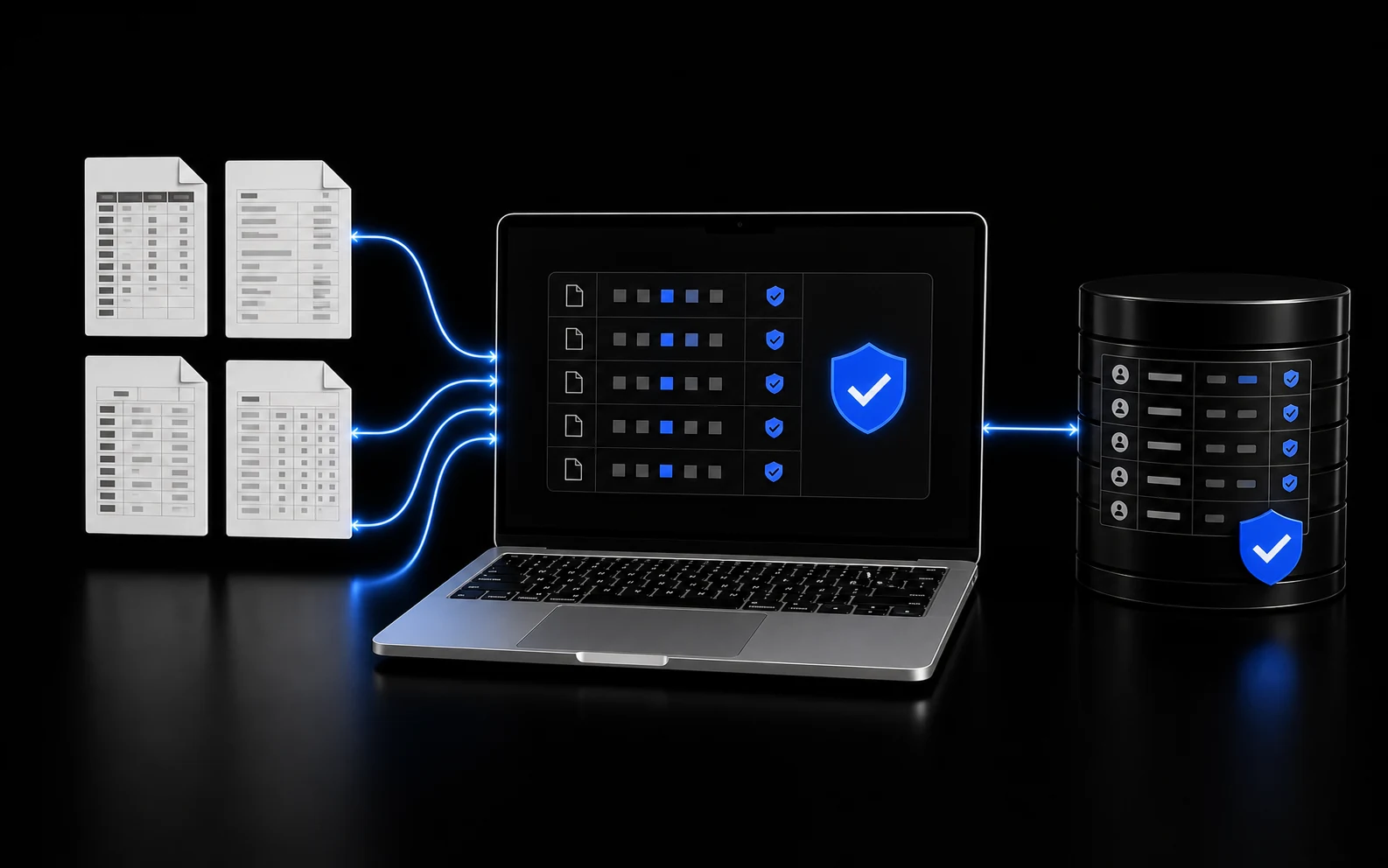
Customer History to Review-Ready Follow-Ups
395+
client drafts tracked
- Goes in
- Approved customer and invoice exports
- Comes out
- A small, review-ready Gmail queue
AI workflow automation for small business
You define the outcome. I build and manage the AI workflow that completes it inside the business you already have.
Real work. Recorded.
Updated September 17, 2026
$69M+
In historical invoices organized
Years of invoice history brought into one searchable customer database.
Historical records from 2019–2026. Invoice value, not revenue generated.
39.6B+
AI tokens recorded
470,000+
AI activity events recorded
Token usage is recorded and may overlap across ledgers. Activity totals include tests and demos.
See the invoice work9,000+
Invoice records organized
9,033 distinct invoice records in the same historical database represented by the $69M+ figure. Invoice dates span August 2019 through May 2026.
Verified September 17, 2026
350,952
Connection events recorded
Connection-category events within the activity total above. Includes tests, demos, retries, and instrumentation; these are not independently verified successful external actions.
Verified September 17, 2026
1.09M+
Committed lines changed
Recorded minimum of added and deleted text lines across 1,295 owner-authored commits, including code, documentation, and generated text. Mirrored commits and binary files are excluded.
Verified September 17, 2026
65,104+
Supervisor checks recorded
Recorded minimum across 3,534 workflow supervisor receipts. Includes repeated scheduled checks, warnings, and failures; not a count of unique safeguards or prevented errors.
Verified September 17, 2026
2,431+
Deployment records
Historical recorded minimum across DOBE-built projects, including production and preview deployments. Combines the August audit with 88 newer records; at least 2,390 reached READY status. This is not the current retained API row count.
Verified September 17, 2026
395+
Client drafts tracked
Historical verified minimum of review drafts created by one client AI MacBook. The client database was not refreshed for the September update; this remains the floor supported by August receipts.
Verified August 18, 2026
Workflow automation, in plain English
That is a workflow. Maybe a lead comes in, an invoice needs checked, a report is due, or a customer needs followed up with. The AI reads what came in, uses the approved rules and examples for the job, works through the steps, and gives you the finished result.
Hundreds of business tools flowing into one AI MacBook.
Works with 1,000+ business tools.
Including Safari, Chrome, Edge, Firefox, accounting, sales, email, ecommerce, project management, design, communication, database, and development tools.
Put your numbers in
If that repeat job takes these hours each week:
Straight math from the numbers you chose. It does not predict savings.
Instead of stacking another automation tool onto the business, I build the workflows into one MacBook with the rules, examples, and apps each job needs.
At 10 hours each week and $75 per hour, the entered math equals 520 hours and $39,000 in annual time value.
Why workflows work better inside the AI MacBook
Some steps should stay rigid. Others require reading an email, comparing records, understanding a customer, or deciding which allowed path fits. The AI MacBook can hold both inside one managed workflow.
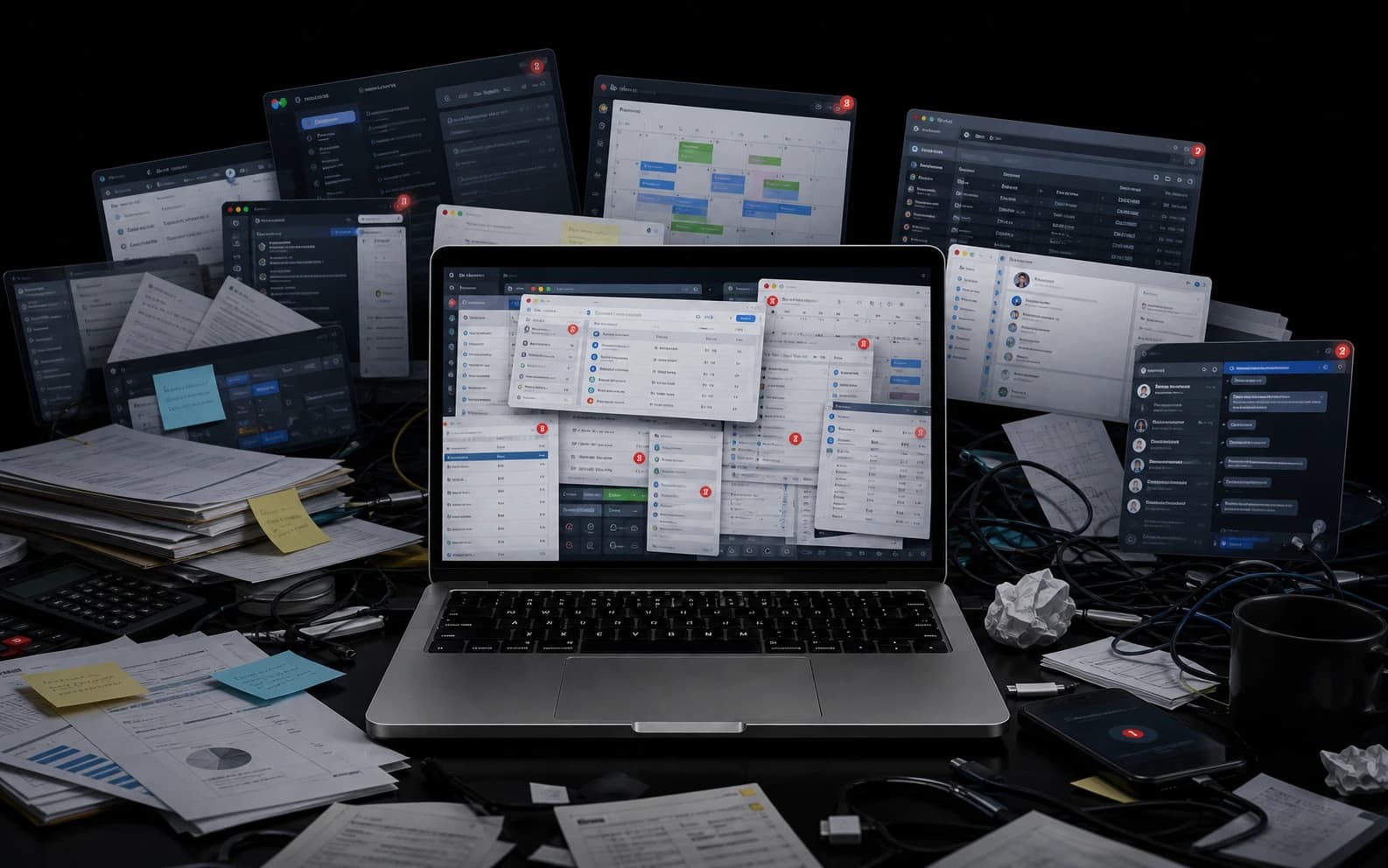
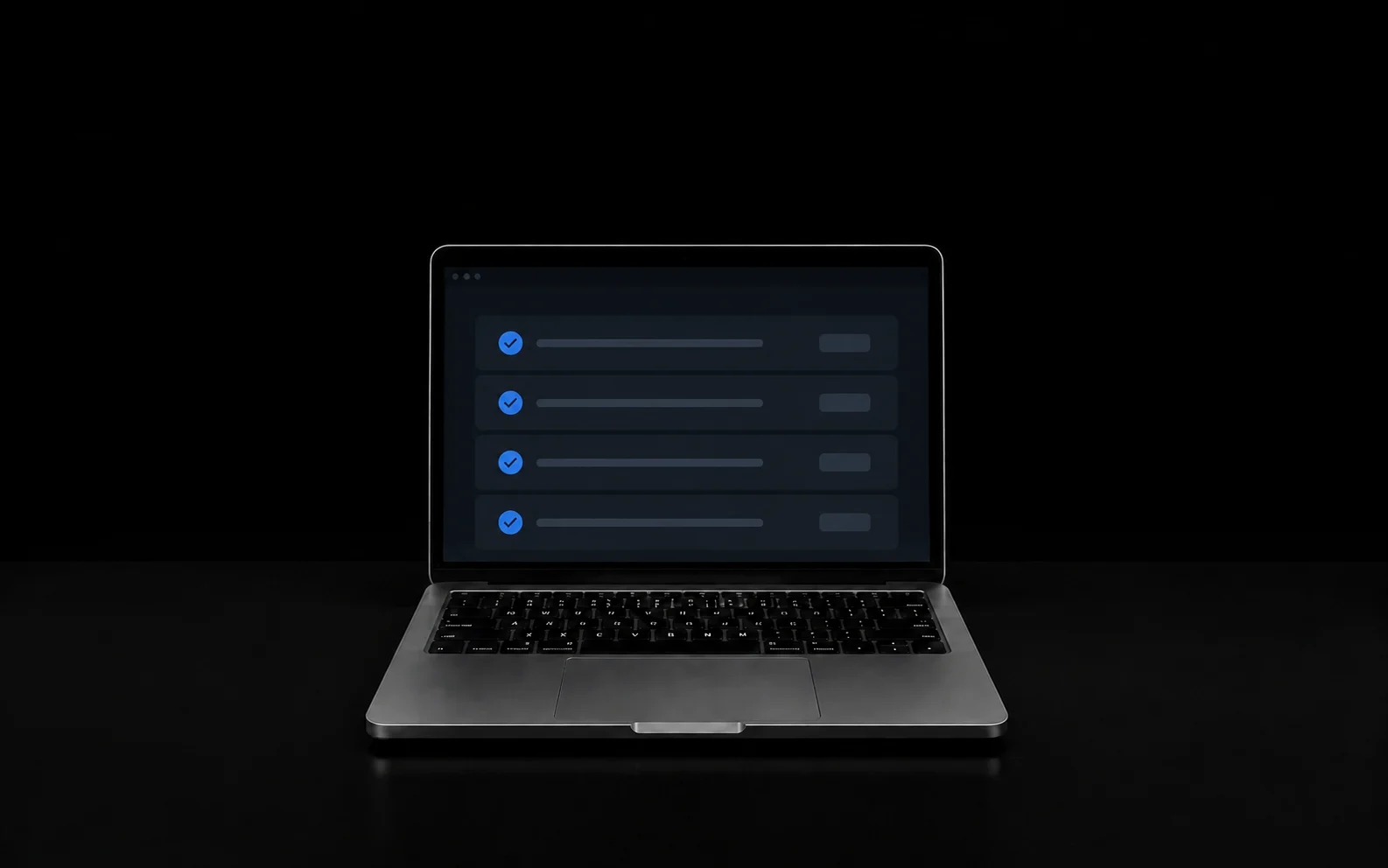
Scattered workflow tools
Scattered steps.
Workflow inside the AI MacBook
One Mac. Finished.
One trigger in one app with little business context
The Mac knows the approved context for the job
Why the AI MacBook is different
The AI MacBook is where those workflows live.
Selected business work







Real work. Real jobs.
Real inputs. One AI MacBook. Finished work you can check.
See all proofReal jobCustomer & sales
395+
client drafts tracked
 Real job
Files & operations
$69M+
in historical invoices organized
Real client reviews
“Tanner was incredibly helpful to our business by figuring out a pretty complex AI Mapping to auto generate invoices.”
Showing review 1 of 4 from Tanner Muchmore.
Tanner, in plain English
You keep the tools and process that already work. I build the Mac around them, then make sure the assigned job is handled the way you expect.
Most AI still makes you do the work. And worse than that, most AI makes you change the way your business runs just so their app makes sense. This is the part nobody talks about. They do not actually remove the work. They hand you a new system and say, “Here, run your business through this.” That is backwards.
You should not have to rebuild your business around somebody else's software. The software should be built around your business. That is what an AI MacBook is. I take the way your business already works and I build the MacBook around that—not some fake, cleaned-up version of your business. Your actual business. The one you're already running every single day.
Then I teach the MacBook to handle the computer work that comes with that. Not to explain it to you, not to give you ideas, not to make you another list. It does the work. So instead of working all day and then coming back to fight the computer, you do the real work. The MacBook handles the office.
That is the difference. Normal AI is something you use, and an AI MacBook is something that you put to work. One Mac. One screen. One AI employee.
Why automate a workflow
The same job gets done the same way without somebody carrying every step in their head. AI workflow automation is useful when the work has a repeat shape but the information inside it changes. The Mac can read the new situation, follow the business rules, work through the tools, and finish at the control point you chose. If you can show me what starts the job and what done looks like, I can see whether the Mac can handle the middle.
How it starts
Add more only after it works.
One outcome. Built and managed for you.
$5,000
+ $500/month
Brand-new MacBook
One real job built in
14-day satisfaction period
The 14-day satisfaction period starts at Operational Delivery. A cancellation during that window refunds the cash collected on the AI Employee MacBook upfront invoice minus the $750 setup and deployment fee, and the Mac is returned to DOBE.
Your starting point
Start with the same workspace foundation Tanner uses. For FREE.
Give your AI a place to learn your business, keep your context, and organize your work. Make it yours now. When you’re ready, Tanner can build your workflows on that foundation.
No GitHub or credit card required.

I hate wasted time. I build and manage AI employees that complete real work inside the business you already have. You keep the tools and process that already work. You don't buy the AI. You buy the outcome. Finished work you can check. The goal is more time for real life.
This is what getting off the computer is for.
The details
It is a repeat computer job handled through connected steps, with AI reading and deciding where normal fixed rules are not enough.
Have one repeat computer job in mind? Show me what happens now. I will map it with you for free in 15 minutes.
Free 15-minute first AI job map
Show me what starts the job and what done looks like. I will map the workflow and tell you whether the Mac can handle the middle. Bring one repeat workflow. We will identify the trigger, the steps, the tools, the decisions, and the finish line. I will tell you what should stay fixed, where AI actually helps, and whether it belongs in a smaller workflow or the full AI MacBook.