DOBE

Billing & finance

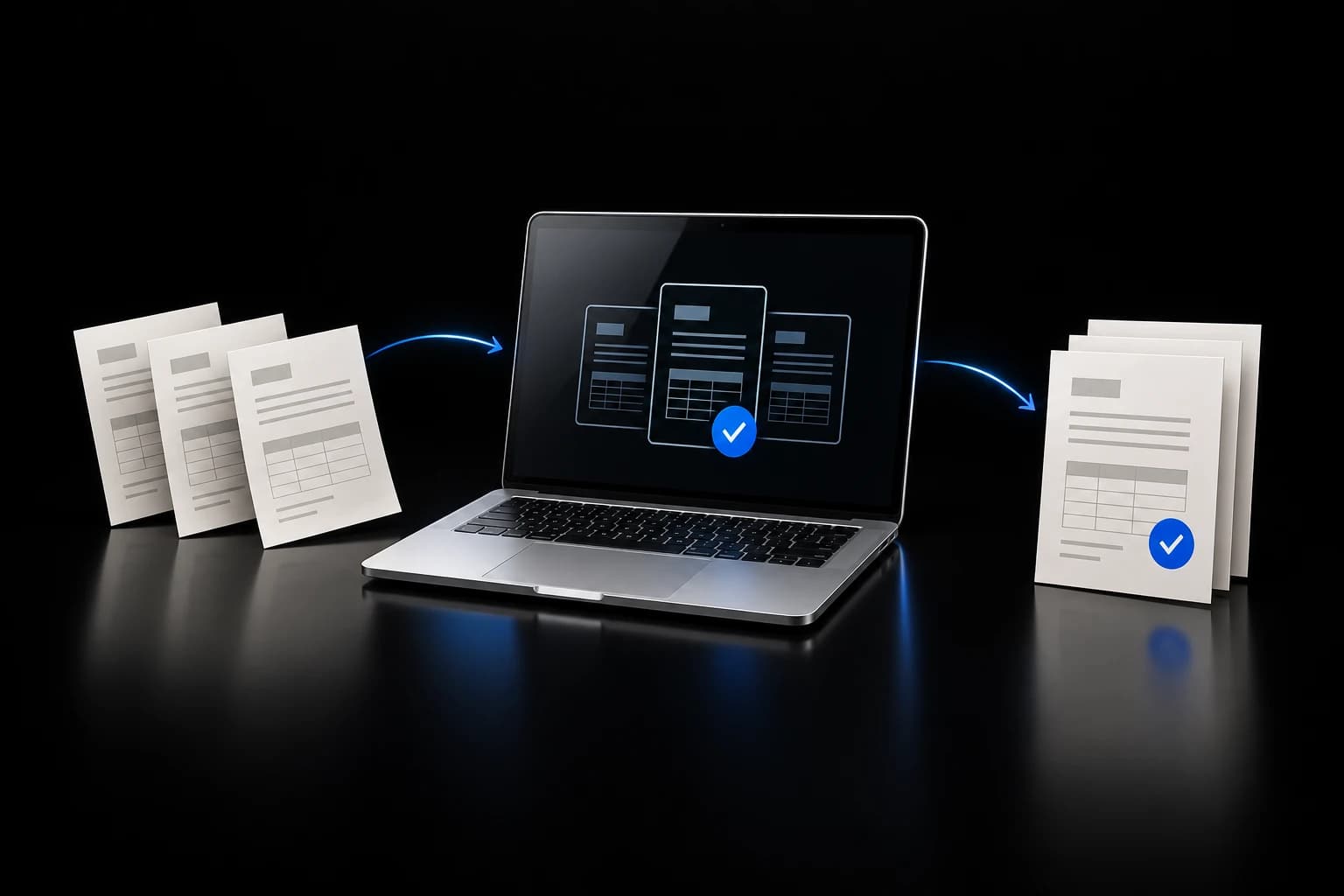
Paper in. Review packet out.

A manual-ready invoice workflow with customer checks, owner review, and approval-gated accounting actions.

Guarded support pilot
Connected and manual-ready; live invoice actions remain off.

See how it works
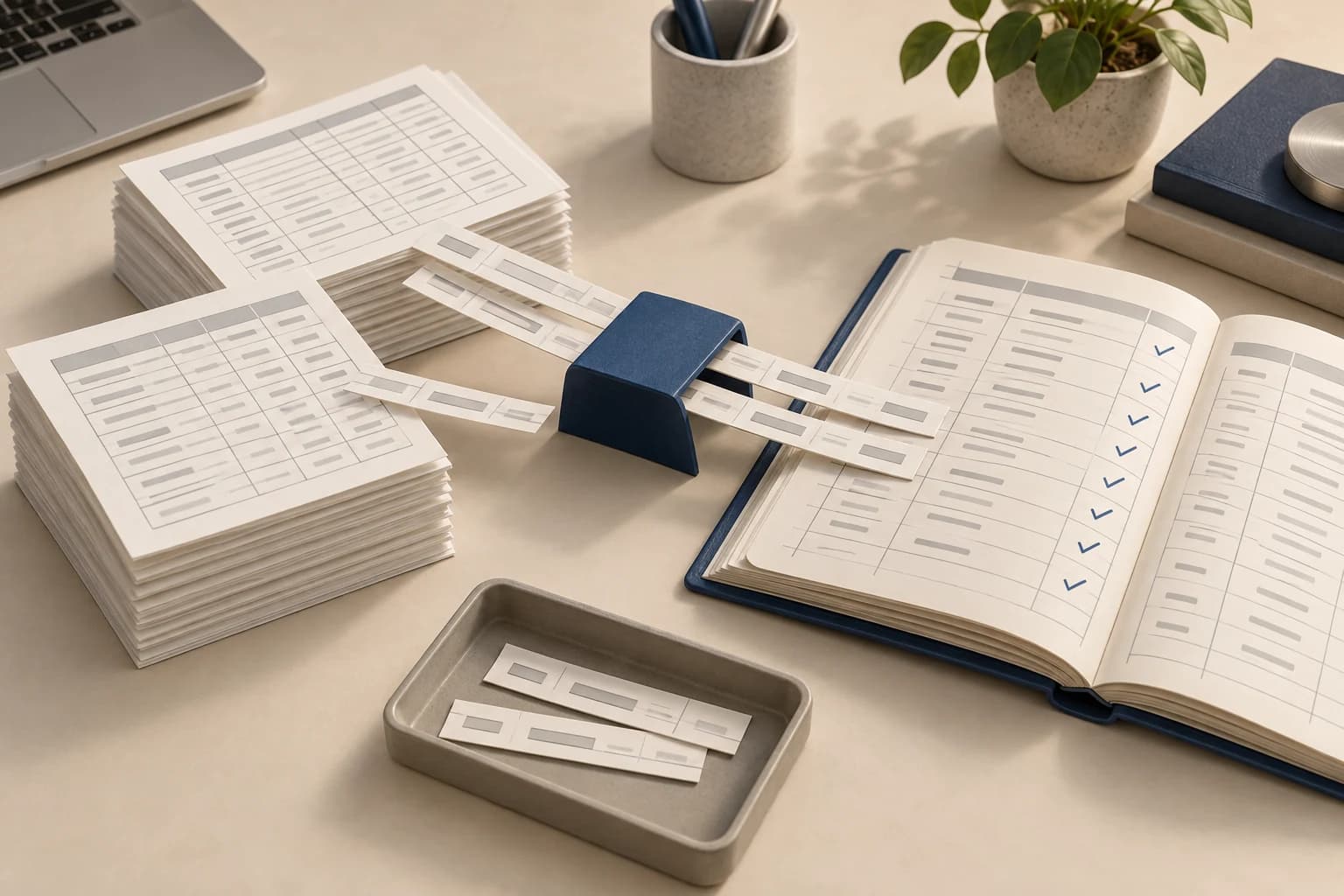
Conceptual illustration of paper billing records and a prepared review packet

Workflow illustration · Invoice Workflow

The job

Same business.
A better way through it.

Before

Supplier invoices were printed, spread across a table, and sorted into jobs by hand.

What DOBE built

DOBE completed a backup-first move from the old office setup to a clean, dedicated MacBook workspace.

Watch the work move

From input to outcome.

Play the four-step explanation, or choose a step. This illustrates the workflow; it is not a recording of a live run.

Conceptual illustration of paper billing records and a prepared review packet

Workflow illustration

Follow the job

Start with your work.

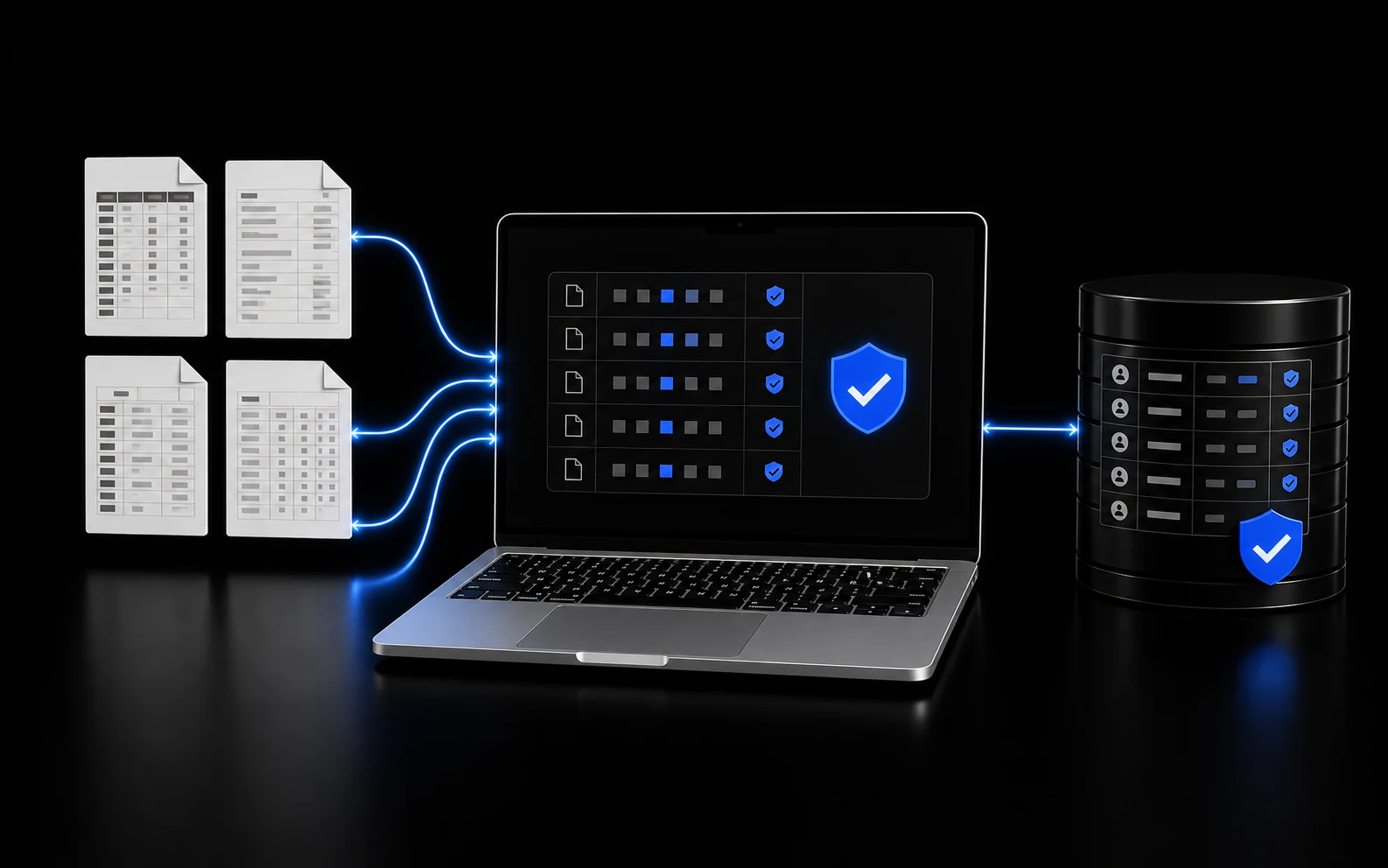
Selected invoice inputs and the intended customer and job

See every step
  1. 01

    The operator selects invoice inputs for a manual run.

  2. 02

    The workflow checks that the customer label agrees with the selected job.

  3. 03

    Selected supplier invoices are grouped into a review packet.

  4. 04

    The owner reviews proposed markup, labor, and fixed adjustments.

  5. 05

    Any Outlook or QuickBooks invoice action stays disabled until separately approved.

The result

Finished work.
Something you can check.

What came out

The support build now has a clean AI MacBook workspace with verified QuickBooks Online and Outlook connections.

The billing workflow is installed and manual-ready. No live invoice email, attachment, send, or QuickBooks invoice was used during pilot verification.

Why it matters

The pilot keeps the owner's judgment in the process instead of pretending every contractor invoice is clean or obvious.

The evidence, scope, and details

What was verified

Guarded support pilot · Connected and manual-ready; live invoice actions remain off.

  • Old computer to dedicated MacBook cutover
  • Clean contractor workspace
  • Live QuickBooks Online read verified
  • Client-local Outlook connection verified
  • Customer and job mismatch guard
  • No live invoice action during pilot verification

Tools: MacBook · QuickBooks Online · Outlook · PDF attachments · DOBE workspace

The Pilot Boundary: Connected does not mean autonomous

The approved connections prove that the MacBook can reach the right business systems. They do not prove that the invoice pilot has run against live mailbox or accounting records.

Live reads, writes, sends, and scheduling remain separate approval decisions.

Your job could be next

Still building invoices from paper and calculator math?

DOBE can map the inputs, identity checks, owner decisions, and safest first output around the billing process you already use.