Real job
Customer & sales
Customer History to Review-Ready Follow-Ups
395+
client drafts tracked
- Goes in
- Approved customer and invoice exports
- Comes out
- A small, review-ready Gmail queue
AI workflow automation for small business
A workflow is just a computer job with steps. I teach those steps to your AI MacBook so the job keeps getting done.
Real work. Recorded.
Through August 19, 2026
25.4B+
AI tokens recorded
281,644
AI work events
201,586
External actions
546,350
Code lines changed
41,895
Guardrail checks
2,343
Deployments
395+
Client drafts tracked
Workflow automation, in plain English
That is a workflow. Maybe a lead comes in, an invoice needs checked, a report is due, or a customer needs followed up with. The AI reads what came in, uses what it knows about your business, works through the steps, and gives you the finished result.
Hundreds of business tools flowing into one AI MacBook.
Works with 1,000+ business tools.
Including Safari, Chrome, Edge, Firefox, accounting, sales, email, ecommerce, project management, design, communication, database, and development tools.
Put your numbers in
If the approved job gives all of those hours back:
Straight math from the numbers you chose. Not a promised result.
Instead of stacking another automation tool onto the business, I build the workflows into one MacBook that knows your company and works through the apps you already have.
At 10 hours each week and $75 per hour, the entered math equals 520 hours and $39,000 in annual time value.
Why workflows work better inside the AI MacBook
Some steps should stay rigid. Others require reading an email, comparing records, understanding a customer, or deciding which allowed path fits. The AI MacBook can hold both inside one managed workflow.
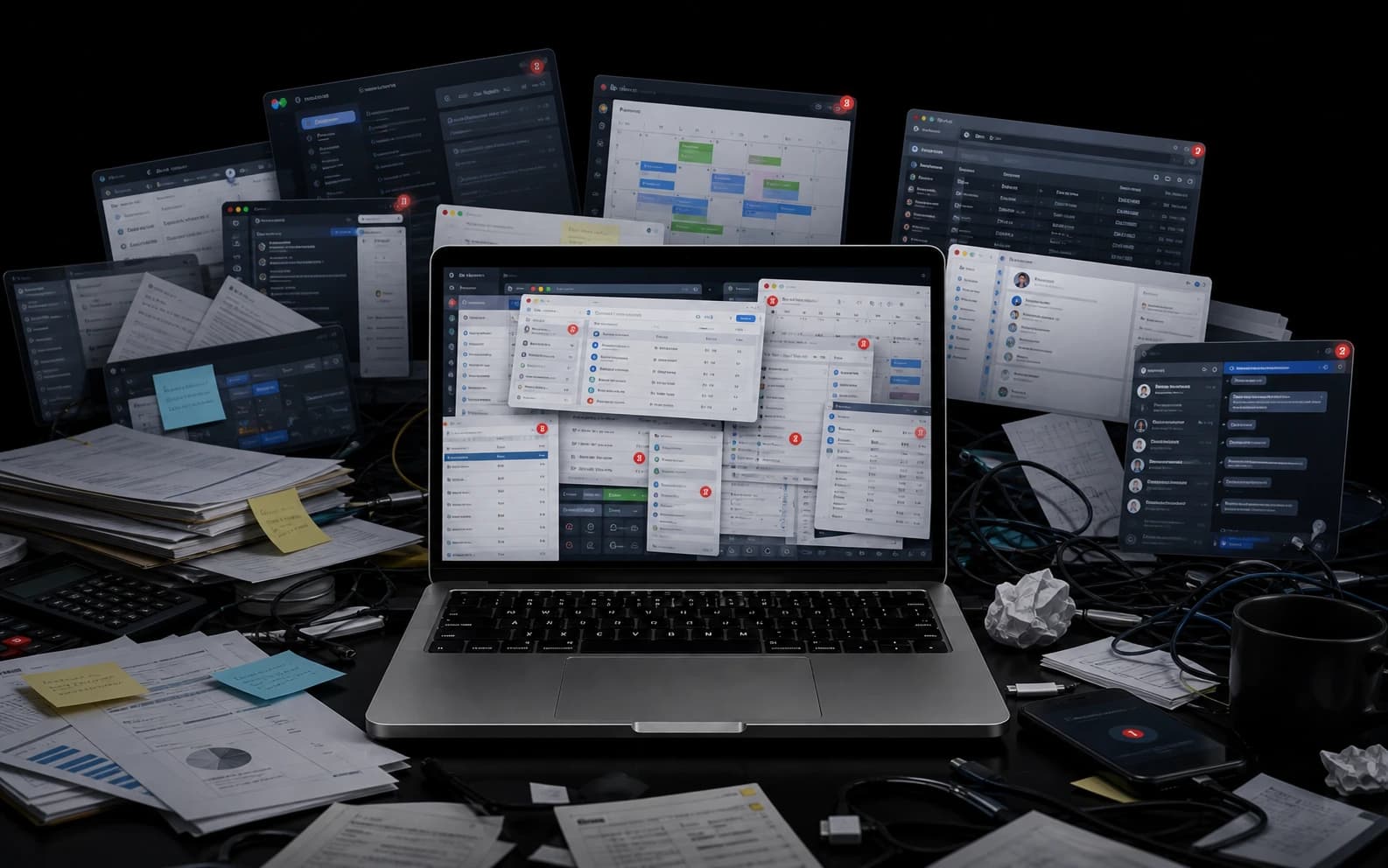
Scattered workflow tools
Scattered steps.
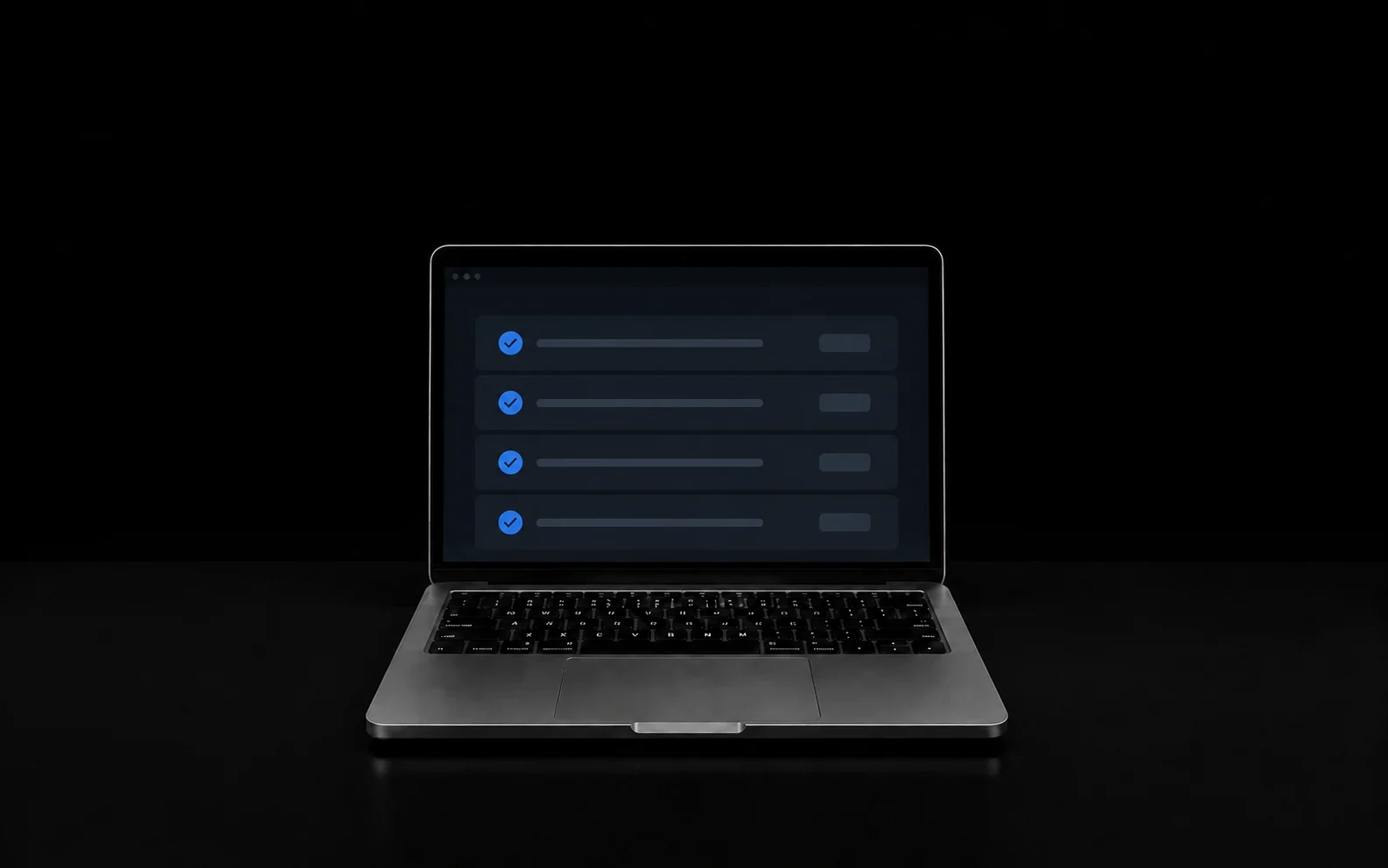
Workflow inside the AI MacBook
One Mac. Finished.
One trigger in one app with little business context
The Mac knows the approved context for the job
Why the AI MacBook is different
The AI MacBook is where those workflows live.
Selected business work







Real work. Real jobs.
Real inputs. One AI MacBook. The job finished the way you want.
See all proofReal jobCustomer & sales
395+
client drafts tracked
 Real job
Files & operations
8,986
invoices recovered
Real client reviews
“Tanner was incredibly helpful to our business by figuring out a pretty complex AI Mapping to auto generate invoices.”
Showing review 1 of 4 from Tanner Muchmore.
Tanner, in plain English
You keep the tools and process that already work. I build the Mac around them, then make sure the assigned job is handled the way you expect.
Most AI still makes you do the work. And worse than that, most AI makes you change the way your business runs just so their app makes sense. This is the part nobody talks about. They do not actually remove the work. They hand you a new system and say, “Here, run your business through this.” That is backwards.
You should not have to rebuild your business around somebody else's software. The software should be built around your business. That is what an AI MacBook is. I take the way your business already works and I build the MacBook around that—not some fake, cleaned-up version of your business. Your actual business. The one you're already running every single day.
Then I teach the MacBook to handle the computer work that comes with that. Not to explain it to you, not to give you ideas, not to make you another list. It does the work. So instead of working all day and then coming back to fight the computer, you do the real work. The MacBook handles the office.
That is the difference. Normal AI is something you use, and an AI MacBook is something that you put to work. One Mac. One screen. One AI employee.
Why automate a workflow
The same job gets done the same way without somebody carrying every step in their head. AI workflow automation is useful when the work has a repeat shape but the information inside it changes. The Mac can read the new situation, follow the business rules, work through the tools, and finish at the control point you chose. If you can show me what starts the job and what done looks like, I can see whether the Mac can handle the middle.
How it starts
Add more only after it works.
Your Mac. Your first job. Built for you.
$5,000
+ $300/month
Brand-new MacBook
One real job built in
14-day satisfaction period
The 14-day satisfaction period starts at Operational Delivery. A cancellation during that window refunds the cash collected on the AI Employee MacBook upfront invoice minus the $750 setup and deployment fee, and the Mac is returned to DOBE.

I hate wasted time. I build you a brand-new Mac that knows your business and handles the computer jobs you never want to do again. You keep the tools and process that already work. I build the whole setup and hand it over ready to work. The whole point is more time for real life.
This is what getting off the computer is for.
The details
It is a repeat computer job handled through connected steps, with AI reading and deciding where normal fixed rules are not enough.
Have one repeat computer job in mind? Show me what happens now. I will map it with you for free in 15 minutes.
Free 15-minute first AI job map
Show me what starts the job and what done looks like. I will map the workflow and tell you whether the Mac can handle the middle. Bring one repeat workflow. We will identify the trigger, the steps, the tools, the decisions, and the finish line. I will tell you what should stay fixed, where AI actually helps, and whether it belongs in a smaller workflow or the full AI MacBook.