 Verified client systemWorkflow illustration
Files & operations
Four files. One clean database.
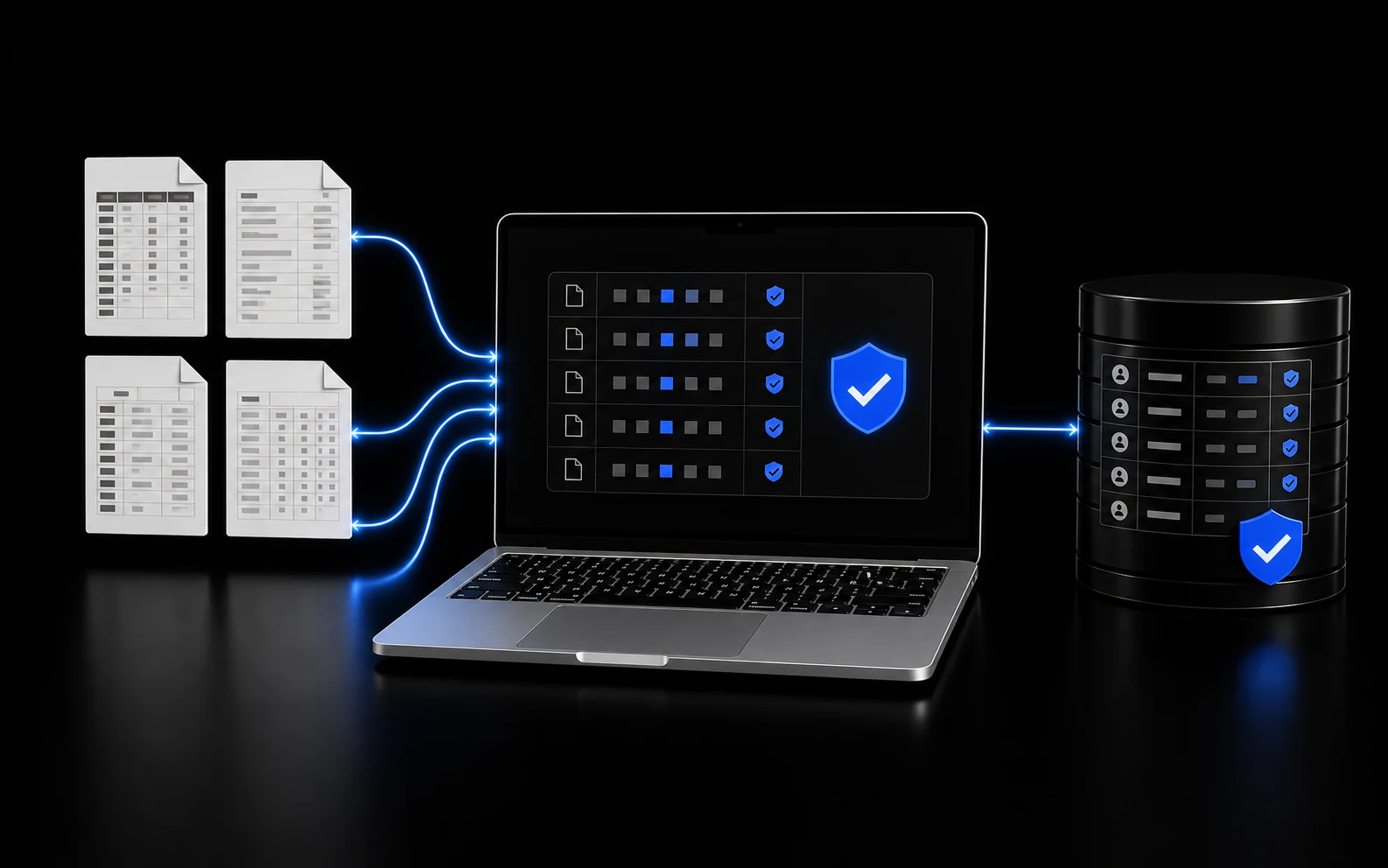
A guarded intake workflow turns four recurring accounting exports into one checked working database.
$69M+
in historical invoices organized

Files & operations
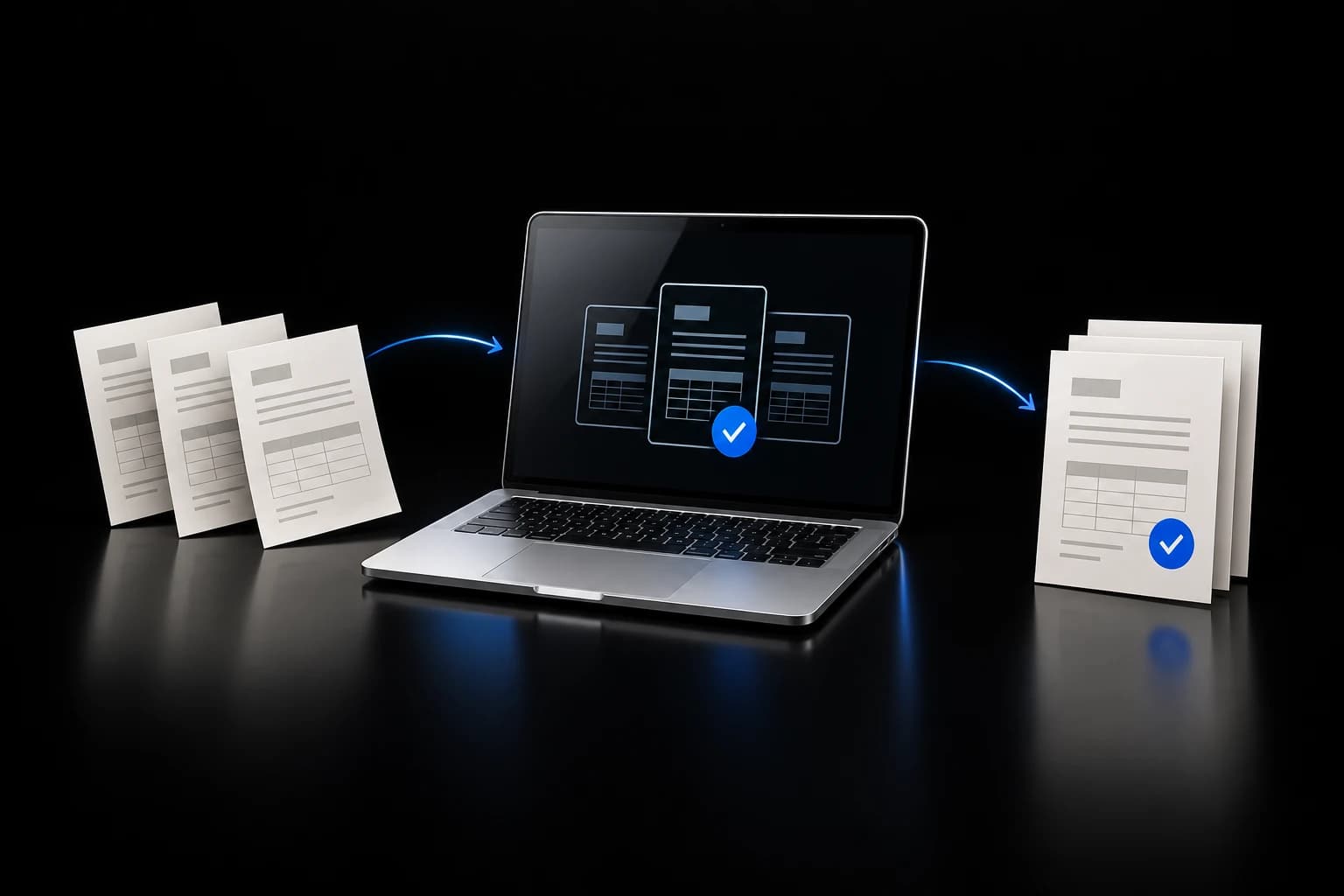
A working demo turns sample ACH payment PDFs into structured spreadsheet output with a visible review trail.
Working demo
Working sample-data demo, not a client deployment.
Workflow illustration · Document Automation
The job
Accounting teams often repeat the same document work: open a PDF, read payment details, match the fields, enter them into a spreadsheet, and repeat.
DOBE built a demo workflow that takes sample ACH payment PDFs, runs them through document extraction, and records structured accounting output in a demo Google Sheet.
Watch the work move
Play the four-step explanation, or choose a step. This illustrates the workflow; it is not a recording of a live run.
Workflow illustration
Follow the job
Sample ACH payment PDFs
A sample ACH payment PDF enters the demo workflow.
The document is read and the required accounting fields are extracted.
Structured rows are written into the appropriate demo sheet.
The workflow reports which tabs changed.
The operator reviews and confirms the output.
The result
The working demo proves the review path: sample payment PDF in, structured spreadsheet rows out, with a visible record of what changed.
It is a demo, not a production customer system.
The operator starts from a prepared ledger row instead of repeating the same copy-and-enter process for every document.
Working demo · Working sample-data demo, not a client deployment.
Tools: ACH payment PDFs · AI document extraction · n8n · Google Sheets · Human review
The workflow proves the document-to-ledger mechanics with sample files and a demo spreadsheet.
It does not claim a live customer relationship, customer approval, or production accounting use.
Verified client systemWorkflow illustrationFiles & operations
A guarded intake workflow turns four recurring accounting exports into one checked working database.
$69M+
in historical invoices organized
 Live product; automations pausedWorkflow illustration
Files & operations
The TalkEO product and public blog are live; its background generation chain is intentionally paused.
Public product surfaces are live; automatic generation is not currently operating.
See the work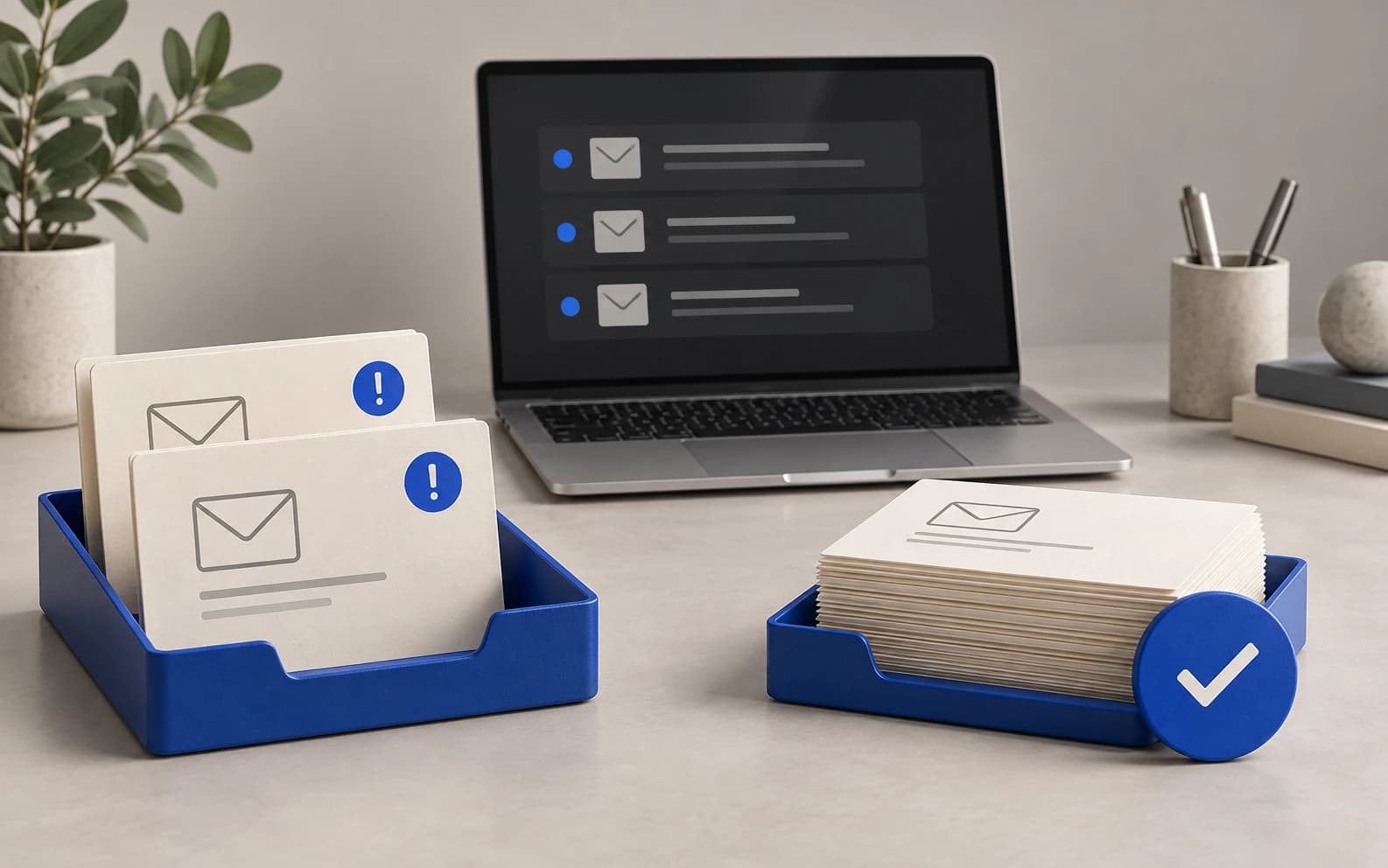 Verified owner workflowWorkflow illustration
Files & operations
An inbox review that handles lower-priority mail and leaves important messages visible.
120
messages reviewed
Your job could be next
DOBE can map the fields, validation checks, destination, and human review step around one sanitized example.